Settings: your organisation and nurseries
Purpose
Set up your organisation and each nursery: details, opening hours, rooms and closures. Most other areas (registers, the rota, billing) use these settings, so check them before you go live and whenever something changes.
Before you start
- You need access to Settings. Owners have it; managers have the parts their role allows. Items you can't open are hidden.
Where settings live
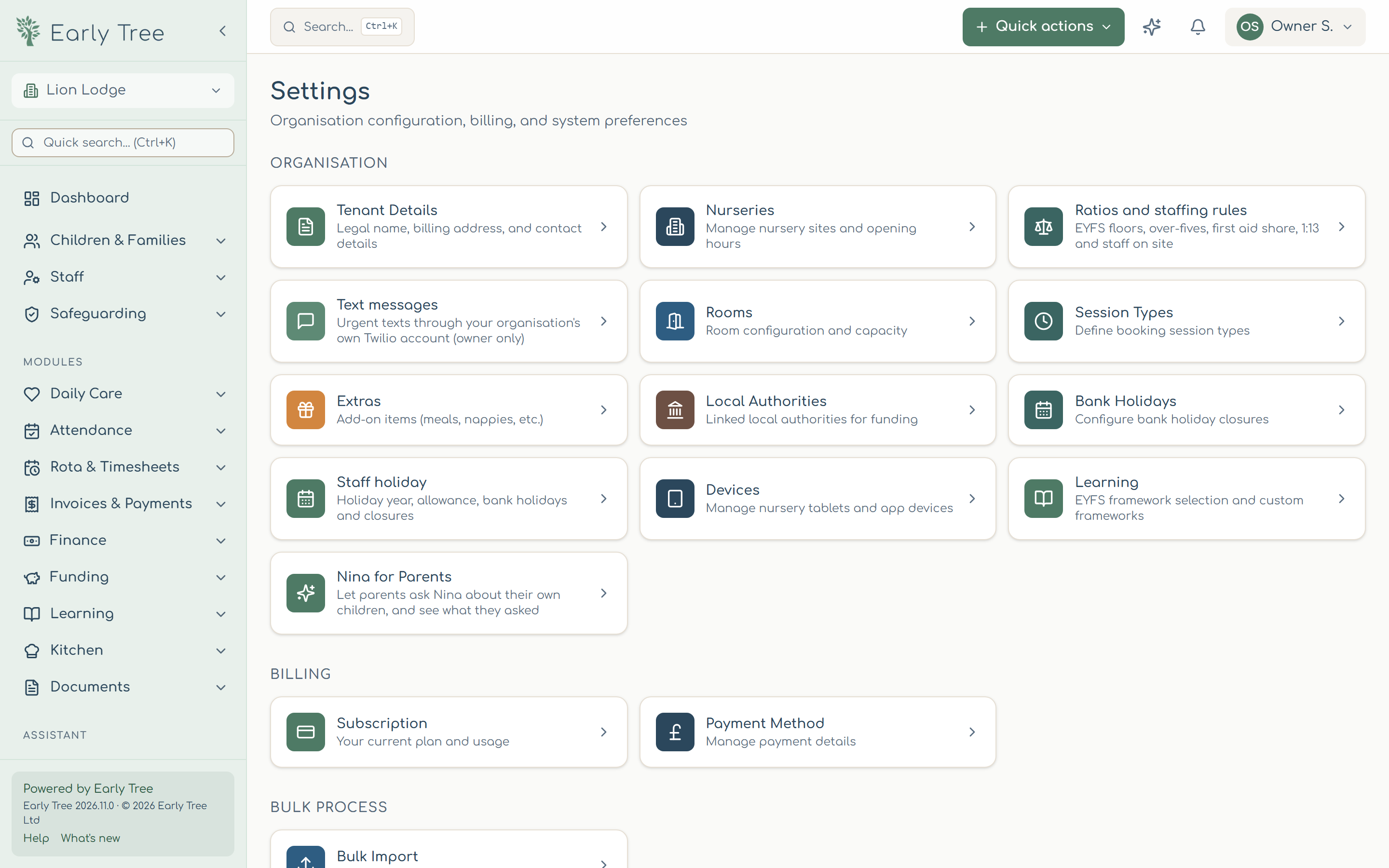
Open Settings from the menu. The page groups everything by area:
- Organisation: Tenant Details (legal name, addresses, contact), Nurseries, Ratios and staffing rules, Text messages, Rooms, Session Types, Extras, Local Authorities, Bank Holidays, Staff holiday, Devices, Learning and Nina for Parents.
- Billing: your Early Tree Subscription and Payment Method.
- Bulk Process: importing records in bulk.
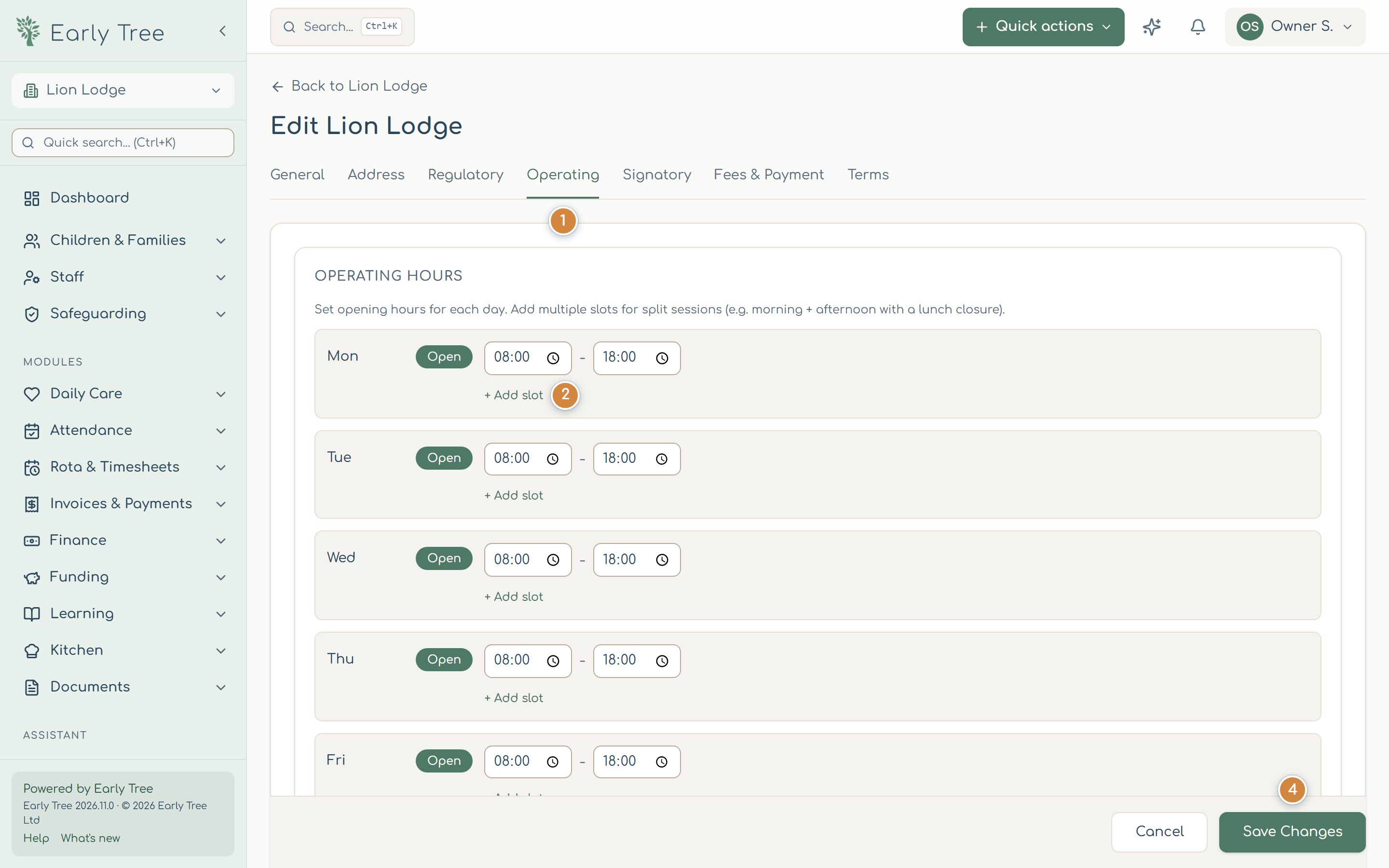
Set a nursery's opening hours
- Select Settings › Nurseries, open the nursery, then select Edit.
- Open the Operating tab 1.
- For each day, switch Open or Closed and set the opening and closing times. Use + Add slot 2 for split sessions, such as a morning and an afternoon with a lunch closure.
- Choose whether you're Closed on bank holidays 3, and whether you charge for them.
- Select Save Changes 4.
If you leave the page with unsaved changes, Early Tree asks whether to Keep Editing or Discard Changes.
Rooms
Open the nursery's Rooms tab and select Add Room. Give the room a name, its Capacity, and the Minimum Age and Maximum Age in months, then select Create Room. Registers, the rota and room-move suggestions use these.
Staffing ratios are set under Ratios and staffing rules; see Ratios and rules.
Bank holidays
Select Settings › Bank Holidays, then Refresh from GOV.UK to load the official list, or Add Bank Holiday for your own closure days.
Common problems
- I can't see Settings, or part of it.
- Your role doesn't include it. Ask the owner, who can change it under Roles & permissions.
- A tab shows a red dot.
- Something on that tab needs fixing before you can save, for example the nursery name is missing.